Legaltech / Product design
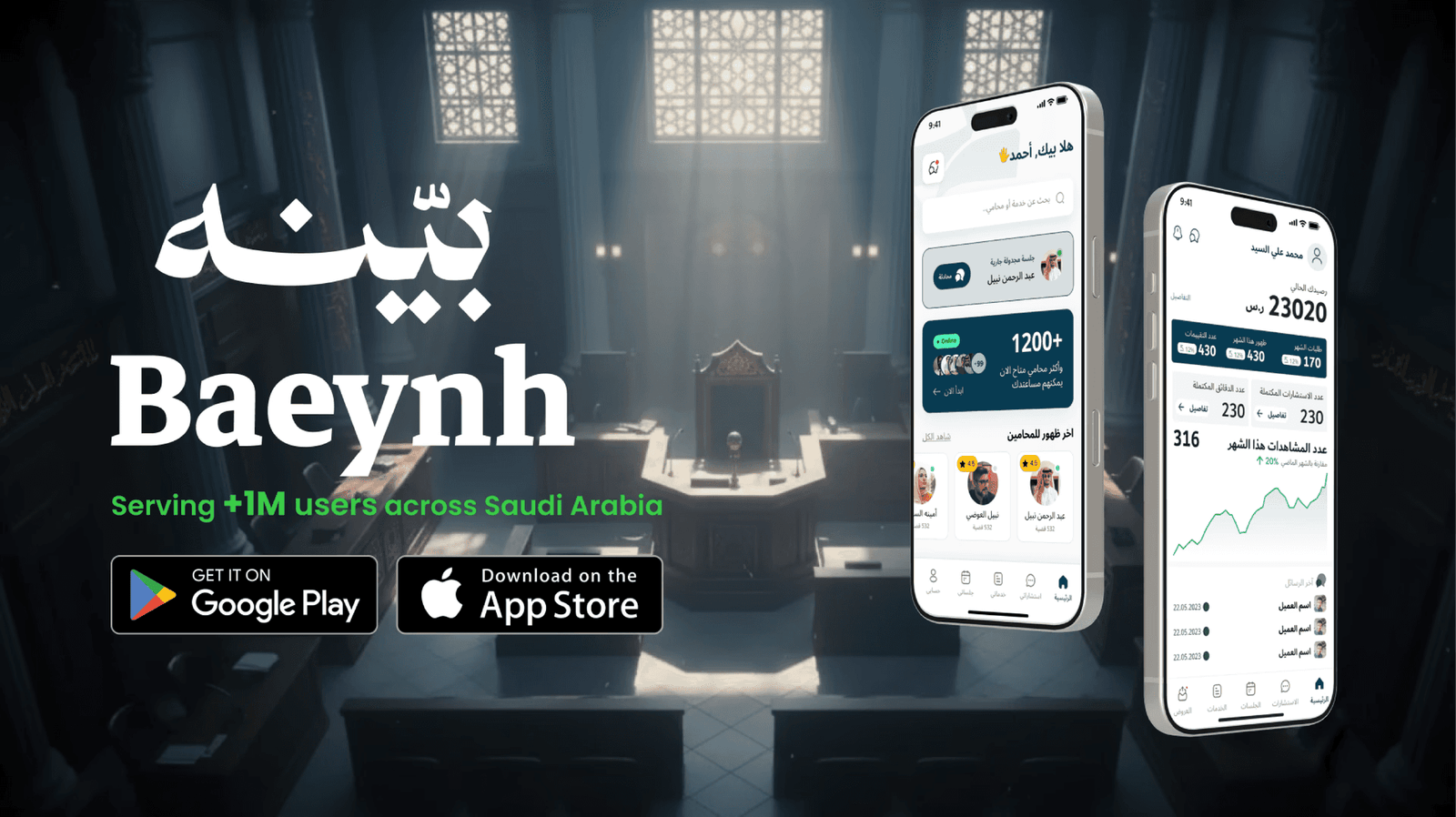
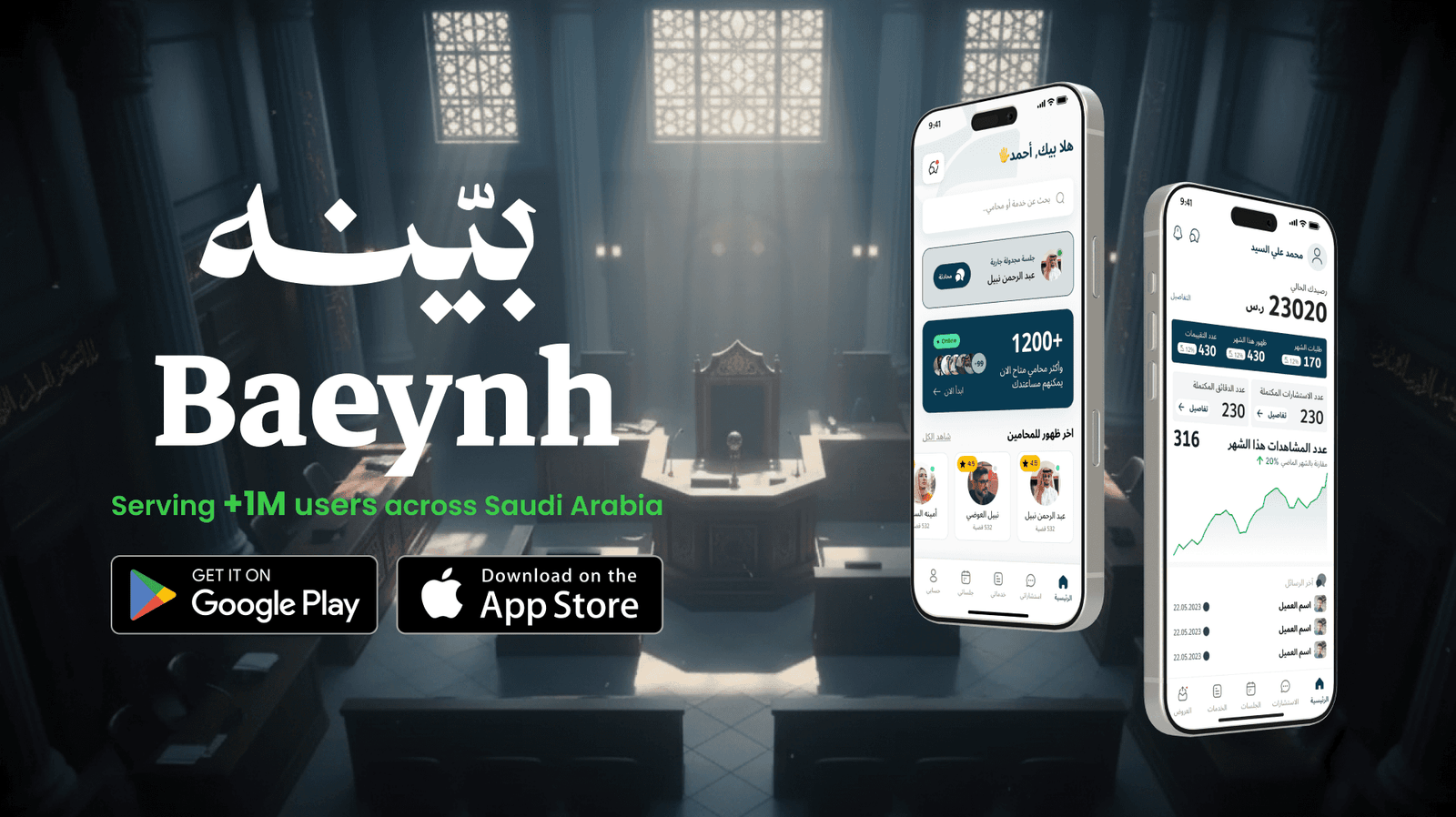
Baeynh customer & lawyer apps.
One legal platform. Two distinct experiences. A shared foundation for clarity and trust.
The challenge
Baeynh connects people seeking legal help with professional lawyers through two dedicated mobile apps. The redesign had to serve customers who needed plain language and guidance, and legal professionals who needed speed and focused daily workflows.
Leading the process
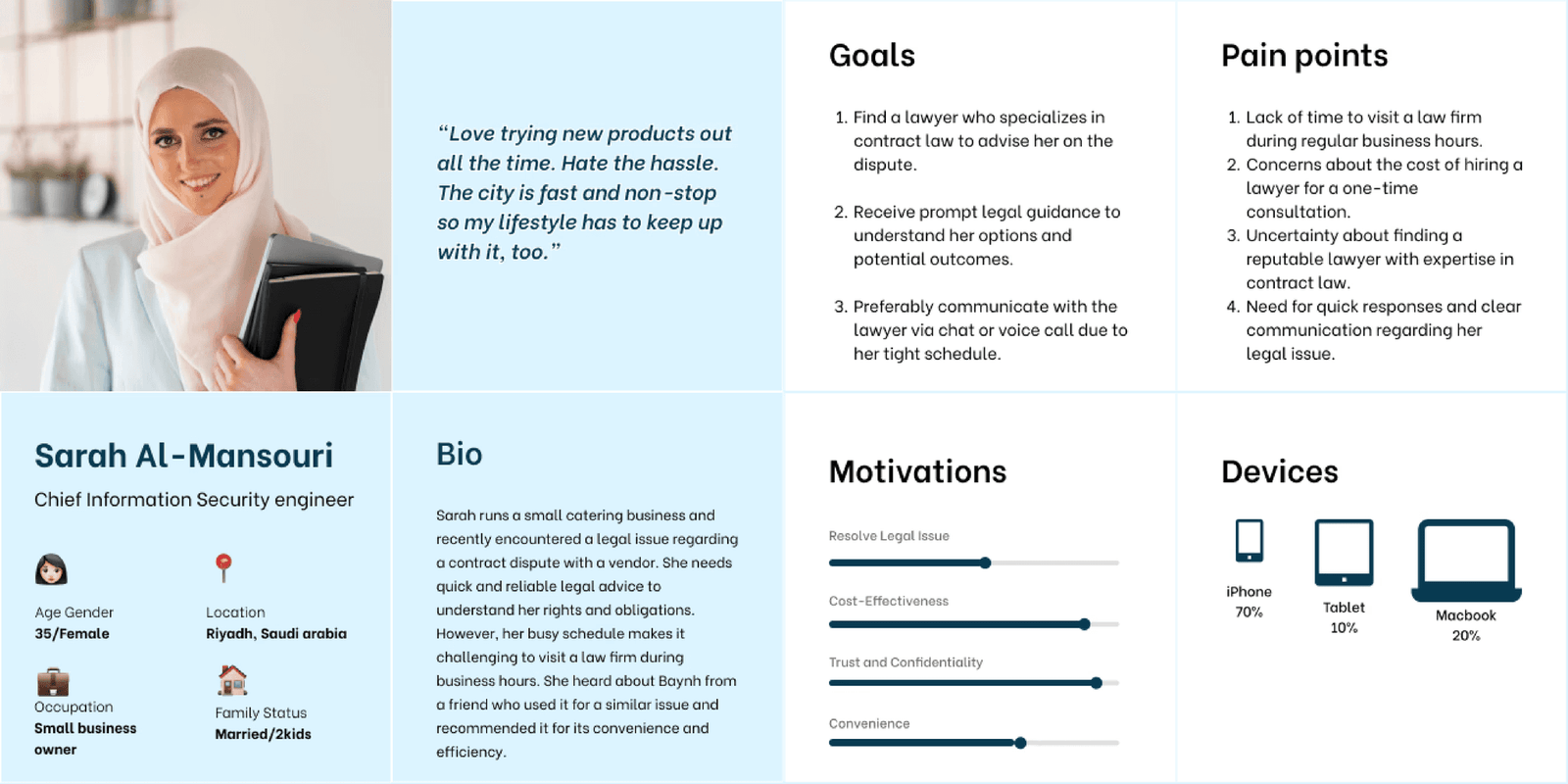
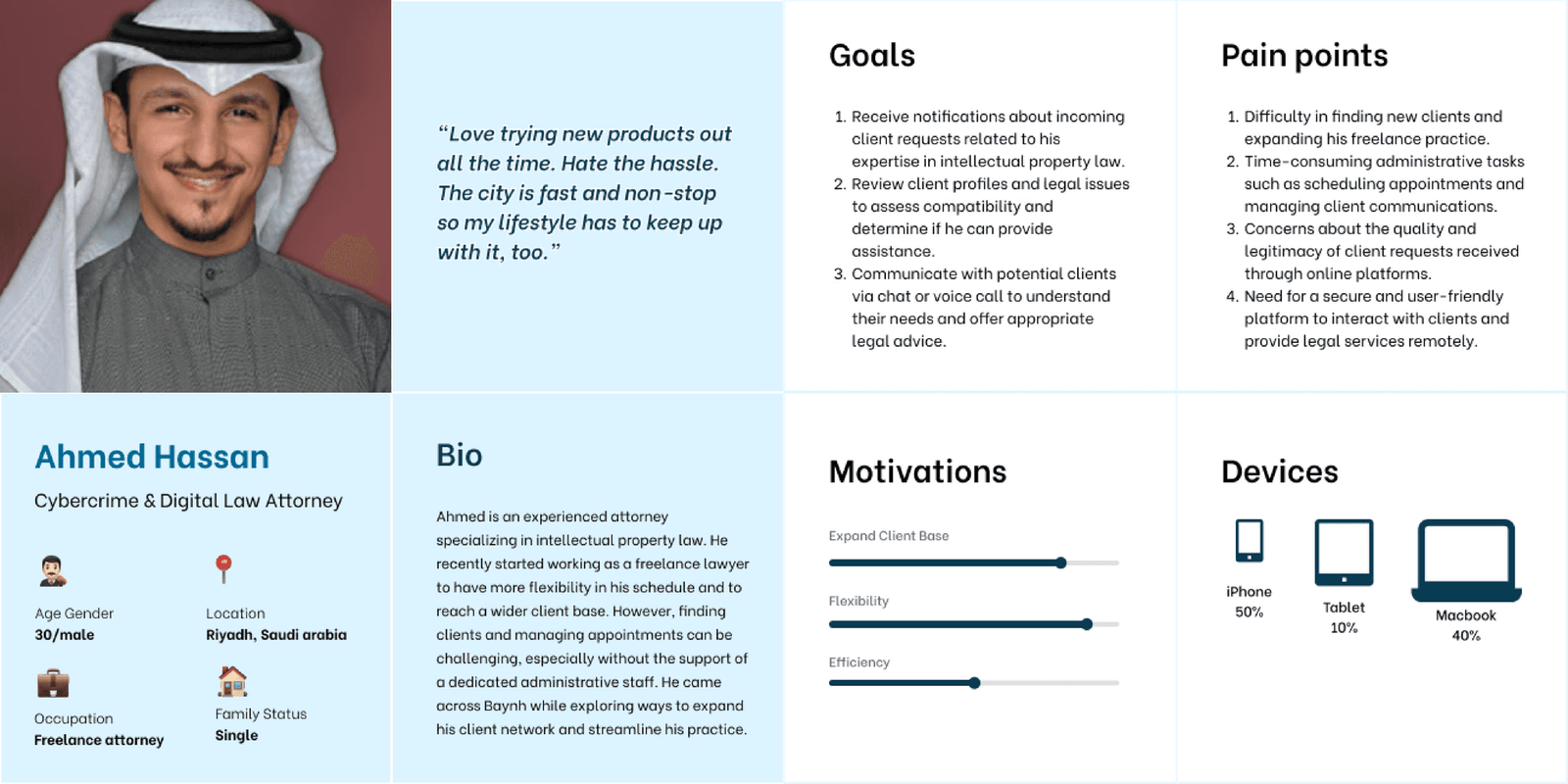
I aligned business goals and legal workflows, conducted user research, and defined separate customer and lawyer personas. Those insights shaped feature priorities and journeys for each role.
A unified design system established shared colors, typography, components, and patterns across both apps. Usability feedback guided iteration and helped keep the experience consistent as the product grew.
Design decisions
Clarity for customers
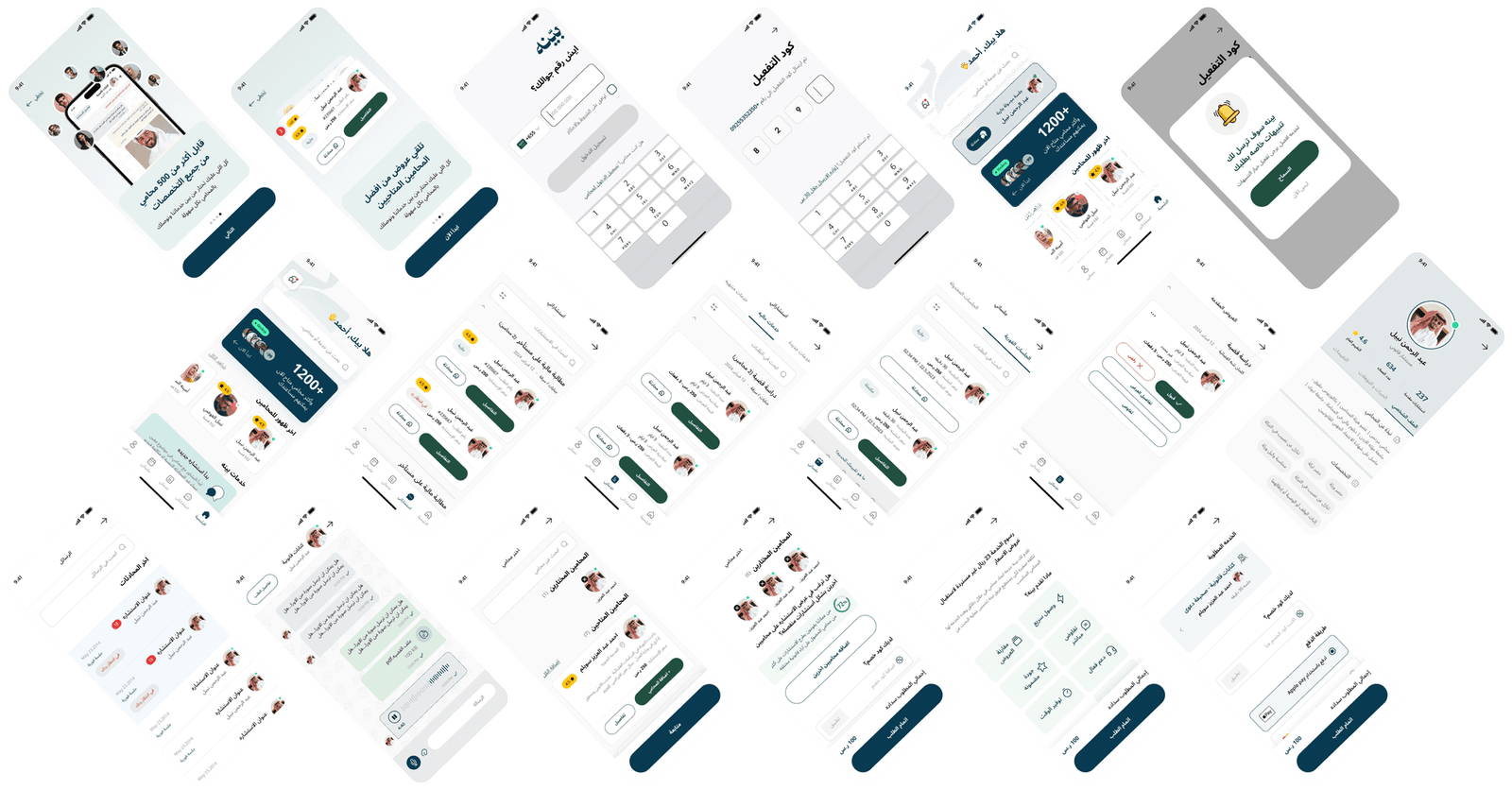
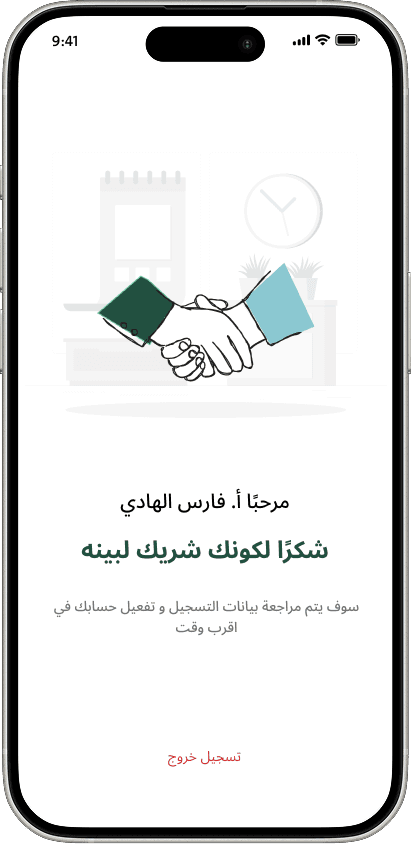
Added an onboarding flow, improved service and lawyer discovery, and simplified journeys for people without a legal background.
Focus for legal professionals
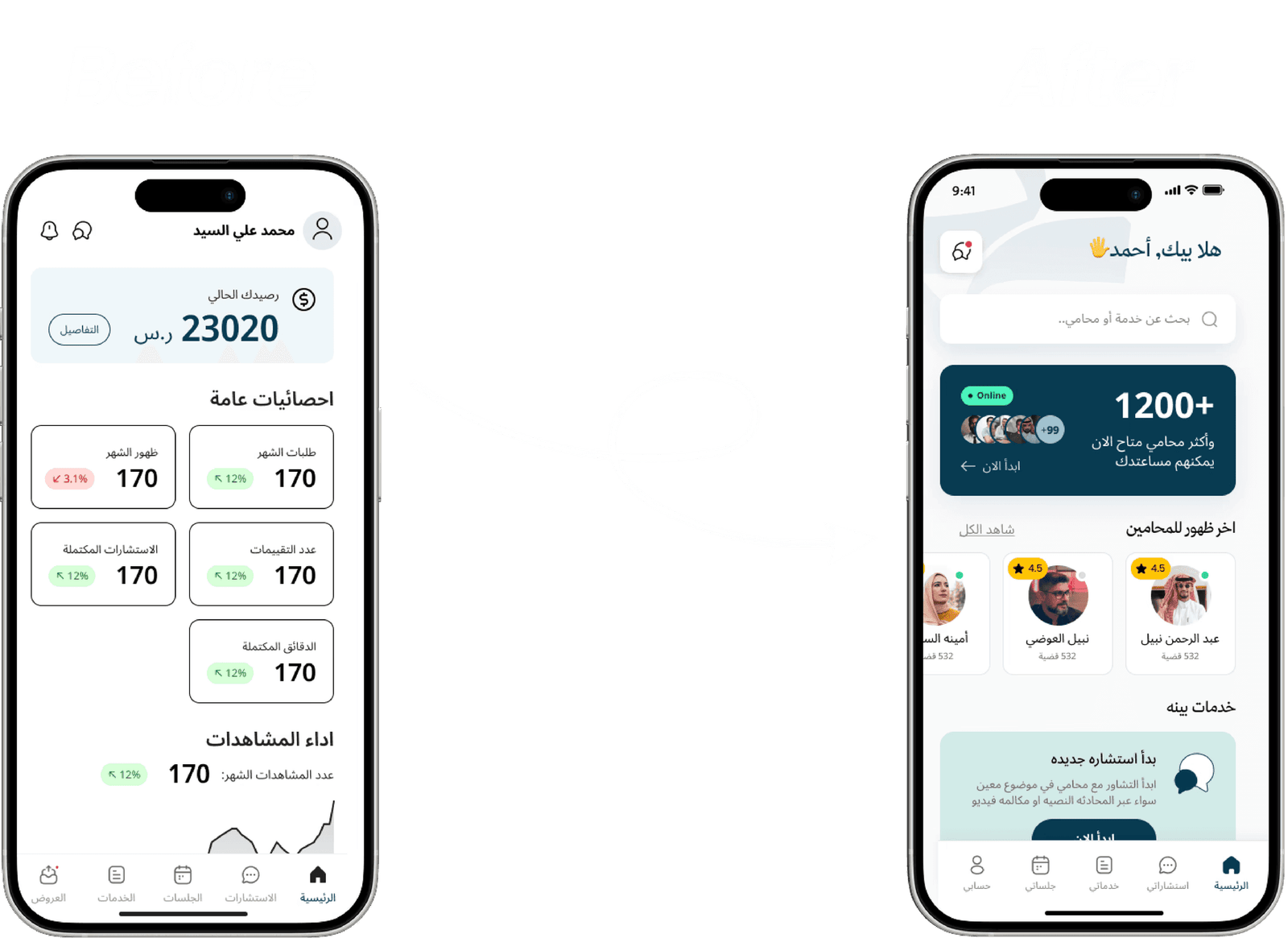
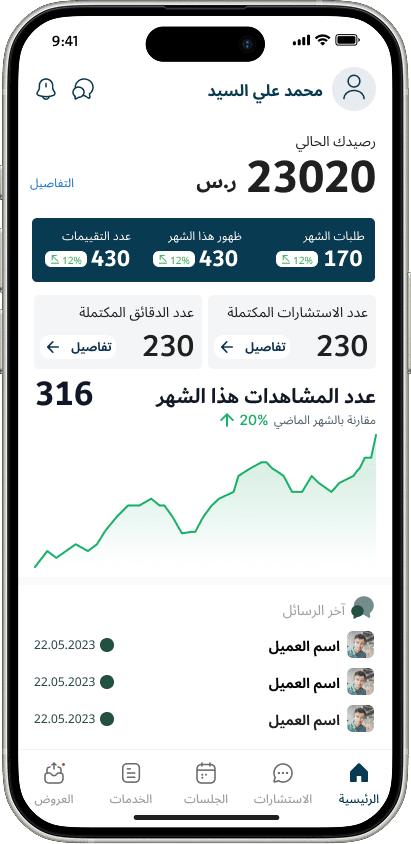
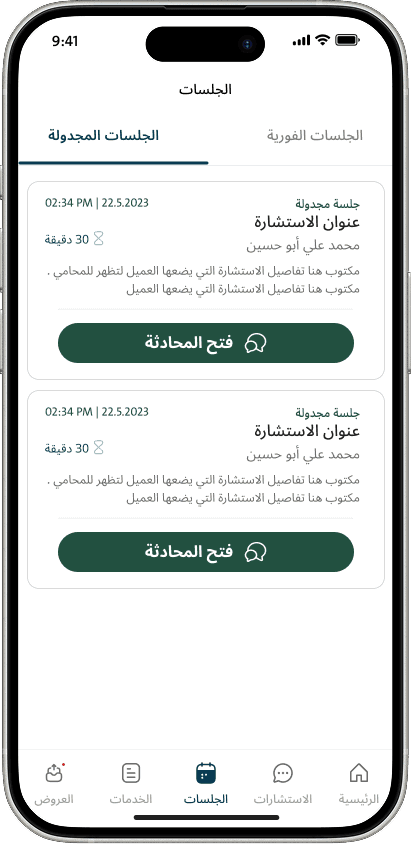
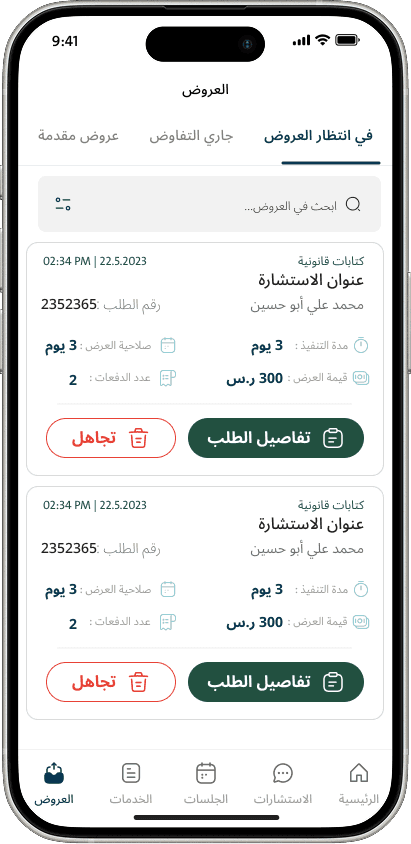
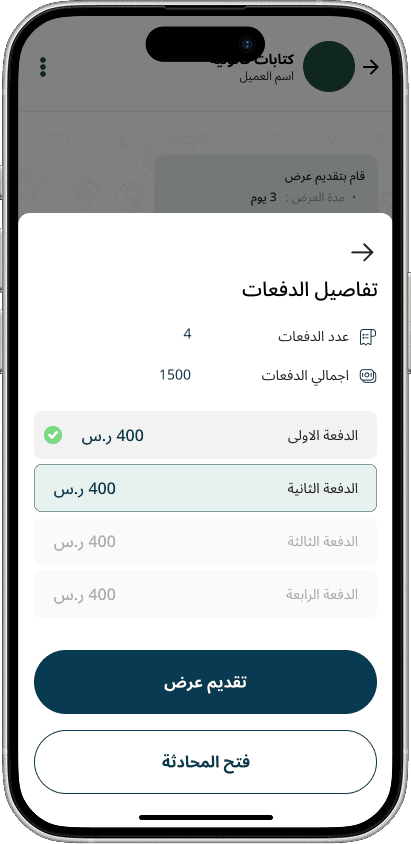
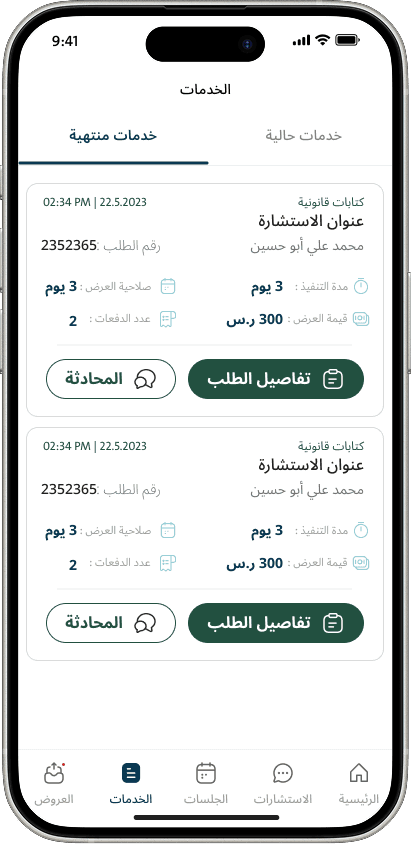
Built the lawyer app from scratch around a task-focused dashboard, case and client management, and the activities lawyers need to complete each day.
One system across both products
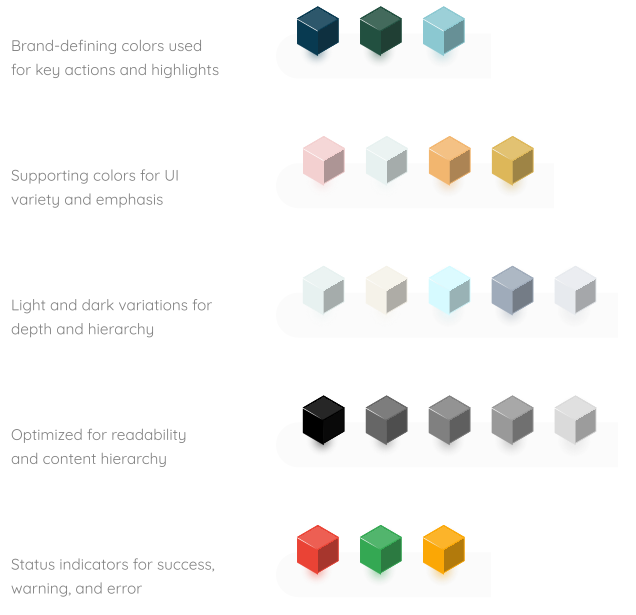
Created shared brand assets, app icons, typography, color rules, and reusable interface patterns. The system supports distinct user journeys without losing consistency.
The outcome
The redesigned apps achieved higher customer retention, lower drop-off, and clearer, more efficient lawyer workflows. Both experiences share a consistent foundation that can grow with the platform.
View the lawyer app on the App Store ↗Explore the details
Go deeper into the research, design rationale, and complete interface explorations.
Read the complete project notes
Overview
One platform serving two different user groups Redesigning a dual-sided legal platform with two distinct user experiences
Baeynh is a large-scale LegalTech platform connecting customers seeking legal help with professional lawyers through two dedicated mobile applications.
Overview One platform serving two different user groups Redesigning a dual-sided legal platform with two distinct user experiences
The Challenge
Product Design Lead
Customers with no legal background, who need clarity, trust, and guidance
Lawyers with high-pressure workflows, who need speed, focus, and efficiency
Inconsistent UI Design System across products
No onboarding for new users
Approach From research to execution
Started with aligning business goals and legal workflows for both customers and lawyers
Conducted user research to understand needs, pain points, and expectations for each user type
Created clear personas for customers and lawyers based on real insights
Translated research findings into actionable UX insights and feature priorities
Designed a scalable design system early to ensure consistency across both app
Defined clear user journeys and flows tailored to each role
Iterated on designs based on usability feedback to improve clarity and efficiency
Personas & Insights Understanding both sides of the platform
Customer Persona
Non-legal users
Need clarity, trust, and guidance
Lawyer Persona
Legal professionals
Need speed, focus, and productivity
New Design System One system powering both apps
Designed a new unified design system
Shared colors, typography, components, and patterns
Scalable across customer & lawyer experiences
Ensured consistency and faster development
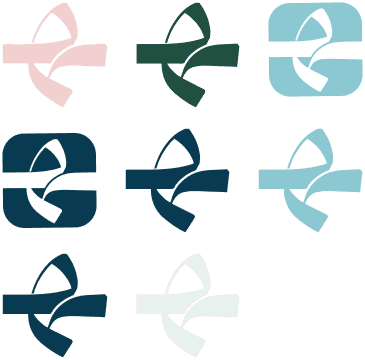
Branding
Logo
App Icon
Main Icon
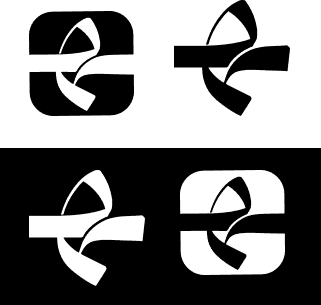
Dark Mood Version
Logo icon Version
Logo icon / Mono
Typography
Colors
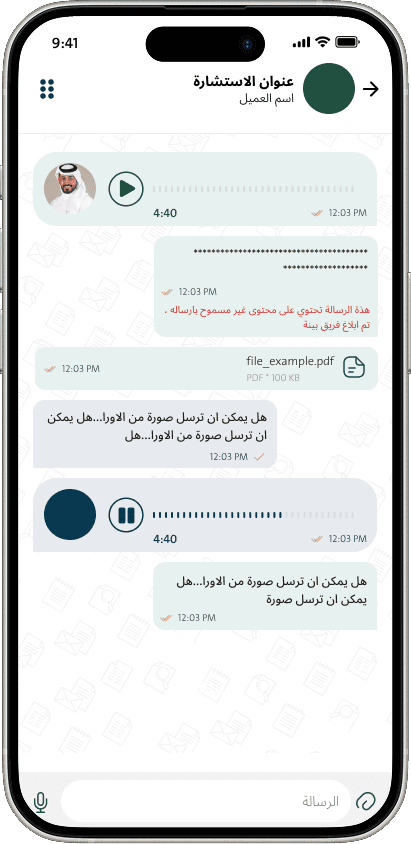
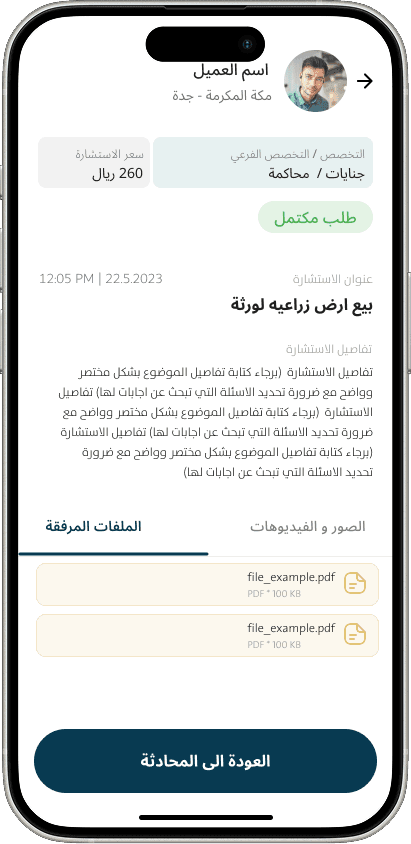
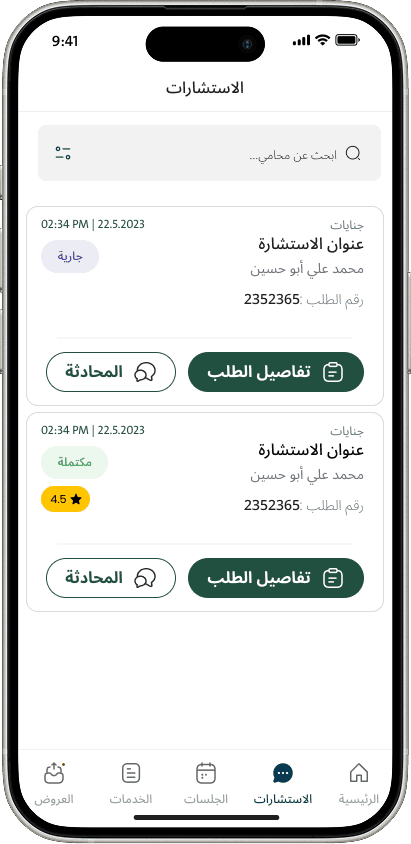
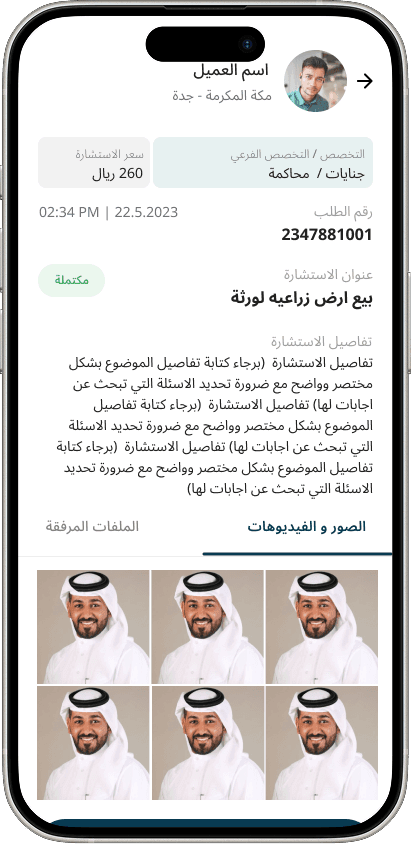
Customer App
From confusion to clarity
No onboarding
Complex legal language
Key Improvements Designed for everyday users
New onboarding flow
Clear service and lawyer discovery
Simplified user journeys
Consistent UI using the design system
Lawyer App
From clutter to efficiency
Built entirely from scratch
Task-focused dashboard for daily activities
Clear case & client management
Consistent UI with Customer App via shared design system
Results
Impact of my Design:
Customer App: +25% retention, 20% drop-off reduction
Lawyer App: improved task efficiency, clear workflows
Both apps consistent, scalable, and user-centered
Explore all 21 design visuals



Up next